Project 04 , Software
Trip Planner
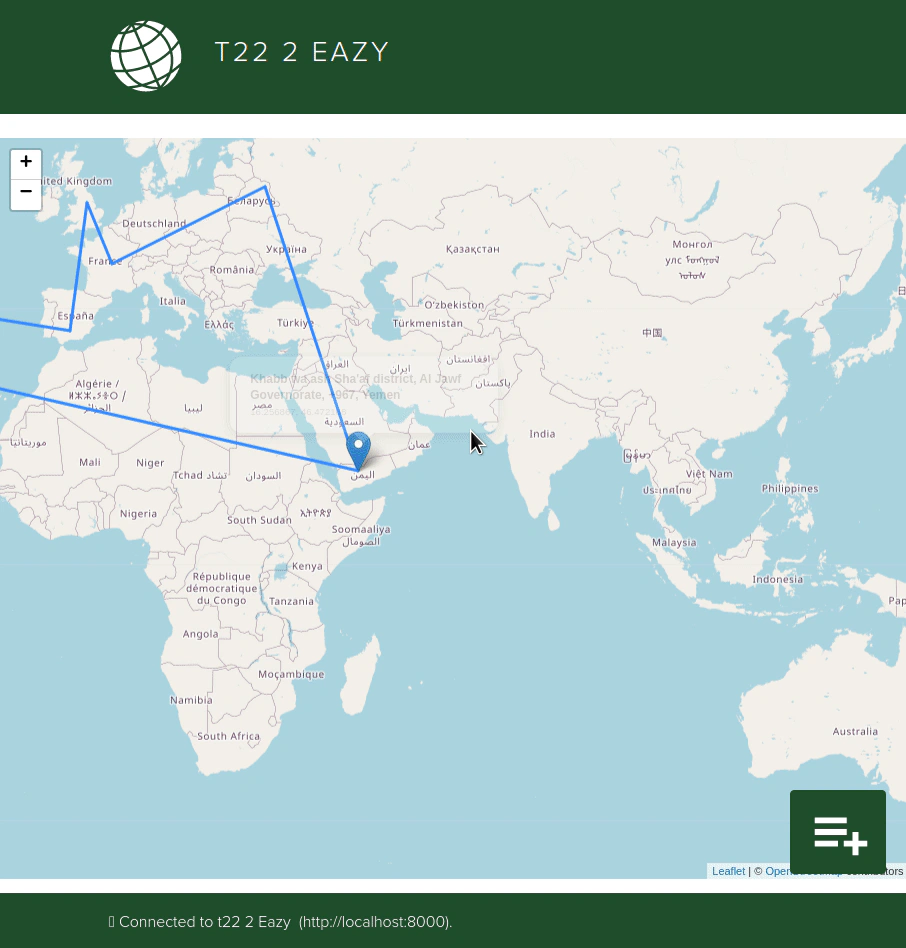
A team-built React trip planner for CSU's CS 314, developed under CMMI on an existing codebase, with database search, cross-team interoperability and trip optimization.
TL;DR
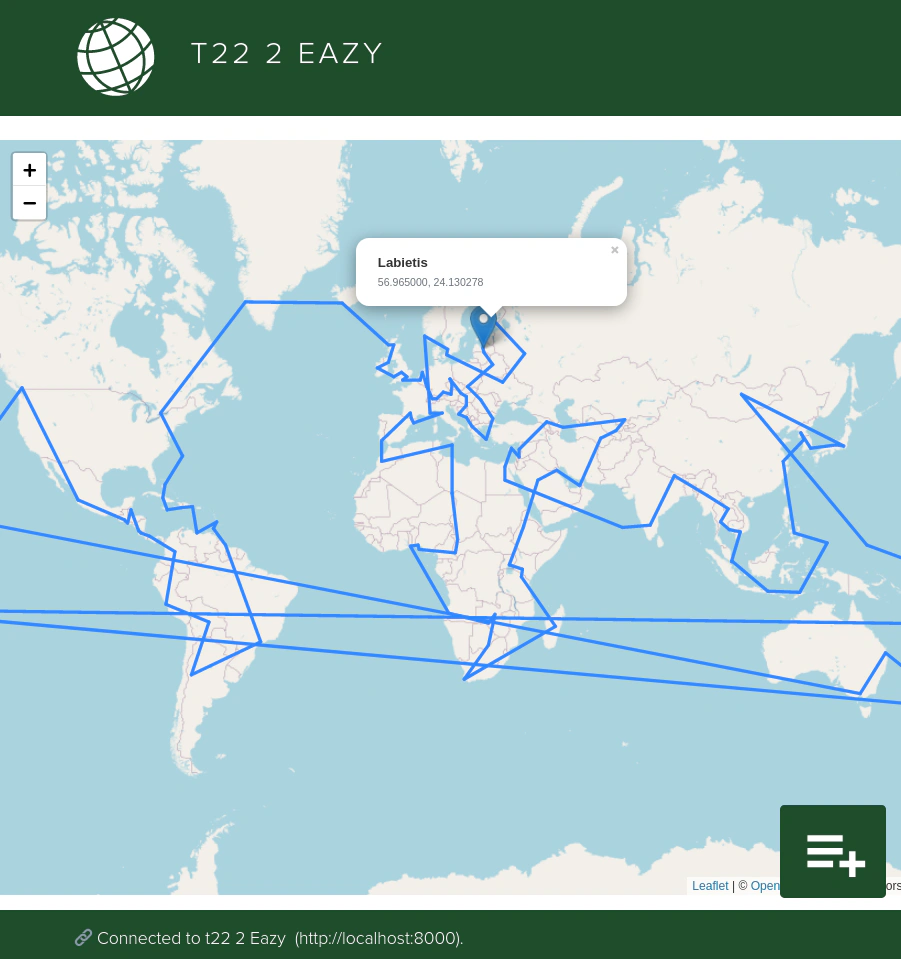
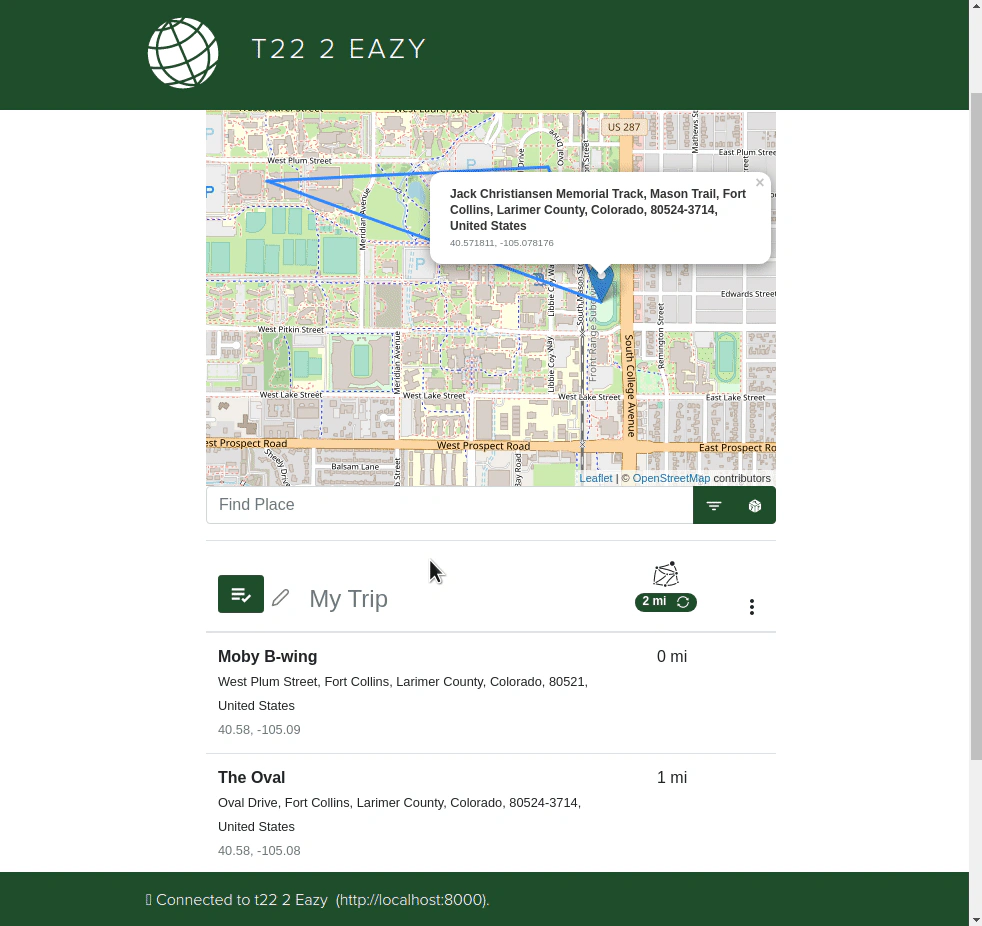
My team built a trip-planning website for a Colorado State University computer science class (CS 314) in Fall 2021, starting from a codebase the course gave us. It let you search a places database, build a multi-stop trip on a map, and reorder the stops into a shorter route.
Key points
- Our team applied CMMI: configuration and change management, baselines, record keeping, integrity and maintainability audits, and peer evaluation.
- Database search that queries efficiently and filters results by place type and country.
- A front end that follows shared protocols to work with any team's back end, demonstrated against another team's server.
- My team went above and beyond with browser storage that keeps loaded trips and download preferences.
- Traveling Salesman trip optimization, built against the requirement to optimize any size trip in under a second.
Problem
In CSU’s CS 314, teams worked on an existing codebase to build a trip-planning website, with Capability Maturity Model Integration (CMMI) governing the development process. The requirements went beyond features: every team’s front end had to work with every other team’s back end, and trip optimization had to handle any size trip in under a second.
Approach
We ran the project under CMMI — configuration and change management, development and release of baselines, record keeping, integrity and maintainability audits, integration strategies, design evaluation and peer evaluation — alongside SCRUM, GitHub, ZenHub and Code Climate.
Iterative design
Design was iterative for the whole semester. Most changes came from feedback in two forms: “customer” demand for new features, which required UX adjustments to implement well, and external people who served as our UX testers.
What I built
With my team, on the existing codebase.
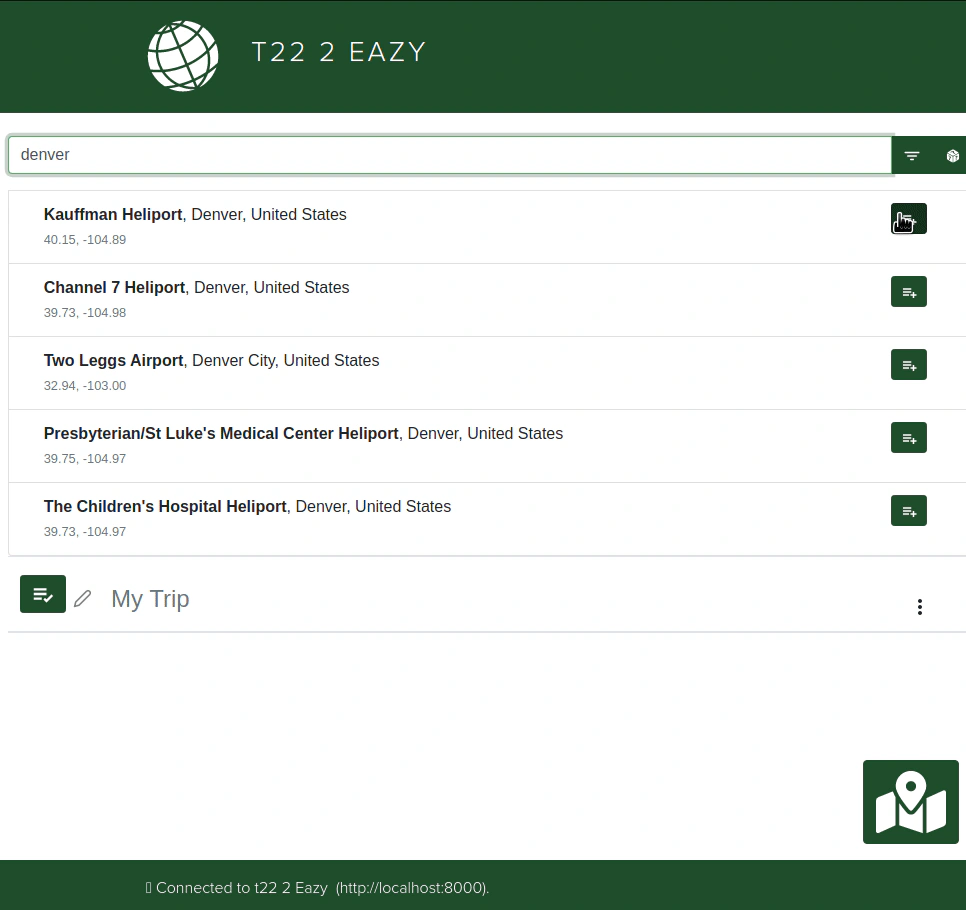
Database search
Places come from a database, queried efficiently with filters applied to the query — one of the most rewarding parts of the project, because it put practical information in front of users.
Interoperability
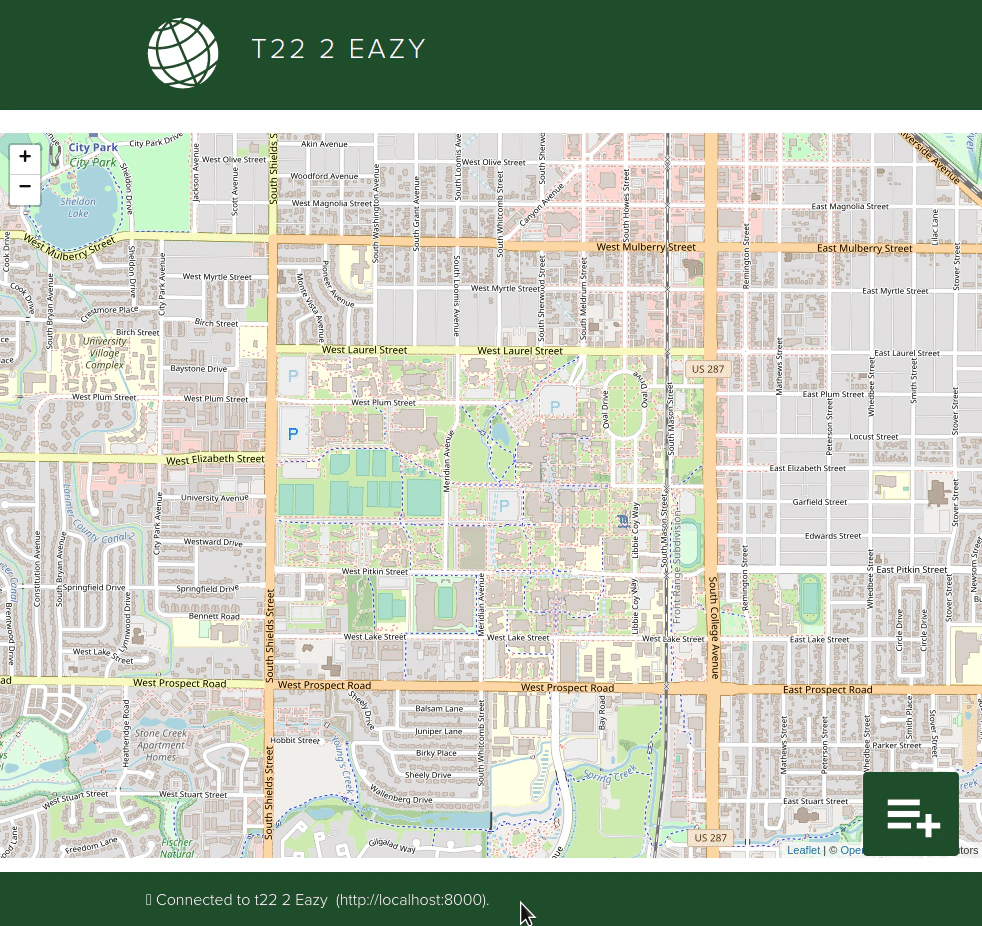
Each team followed shared protocols so any team’s front end could work with any team’s back end, and vice versa. The interoperability recording shows our front end connected to another team’s back end.
Storage
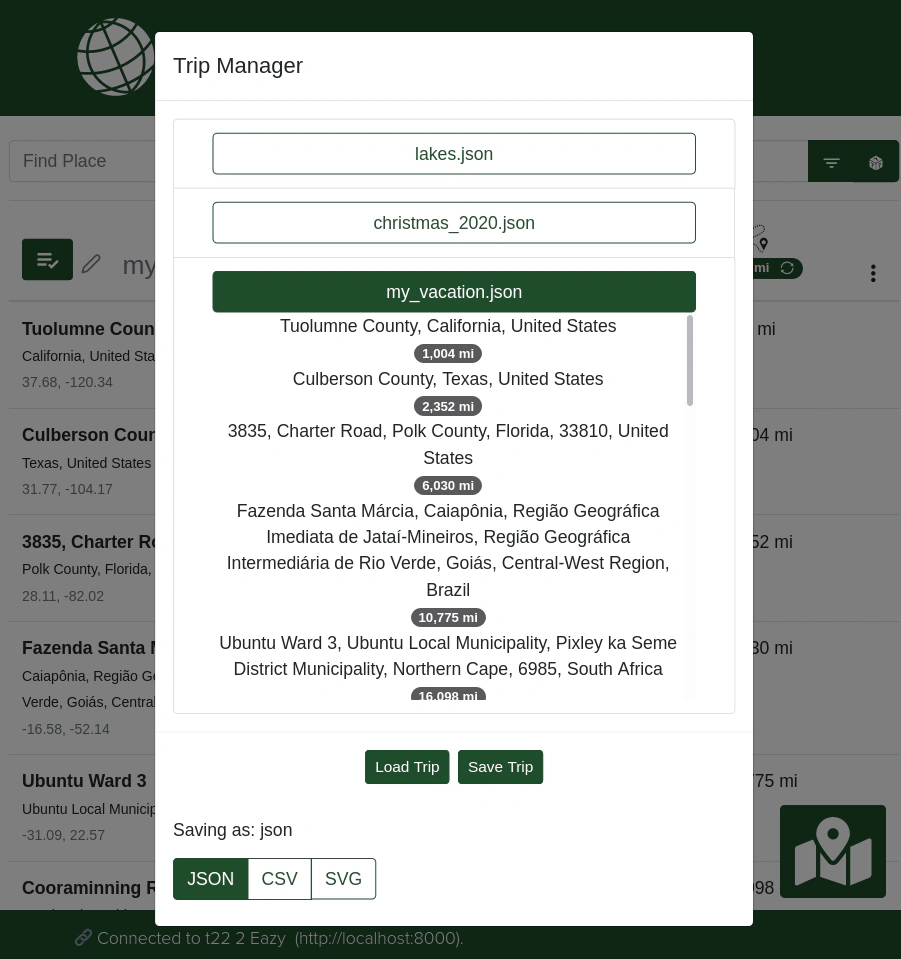
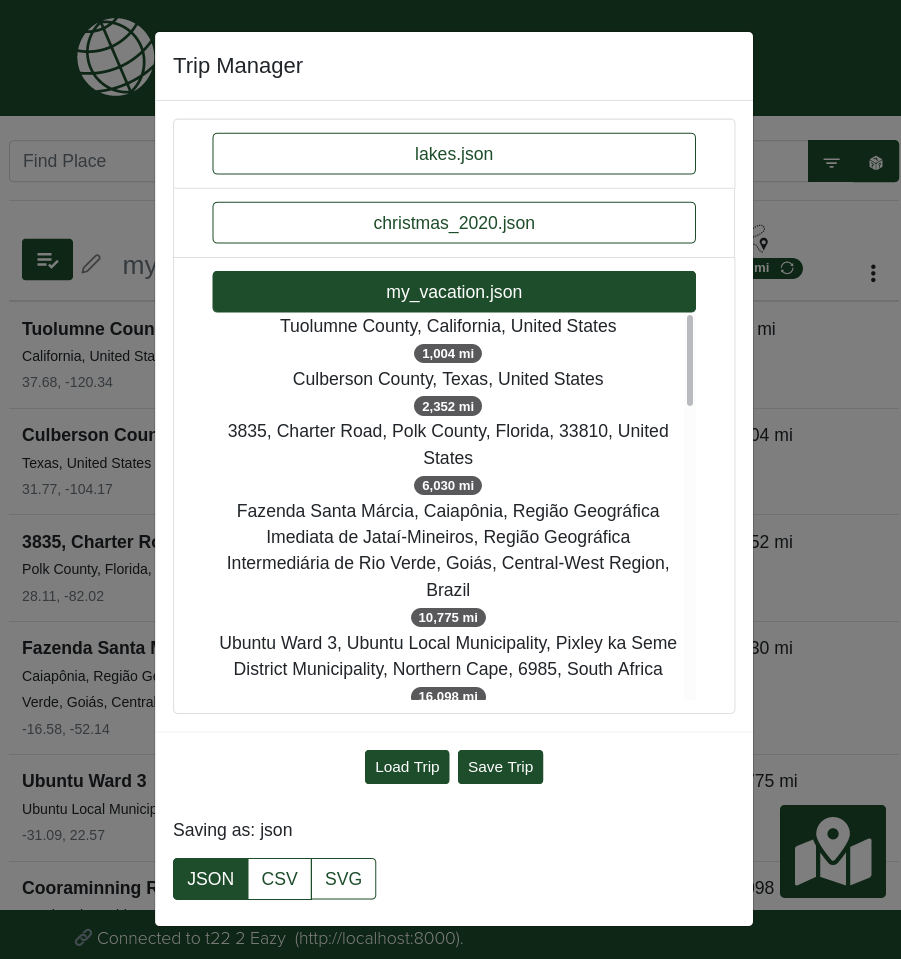
Users can save and load trips. We went above and beyond and added browser storage that keeps loaded trips and download preferences.
Trip optimization
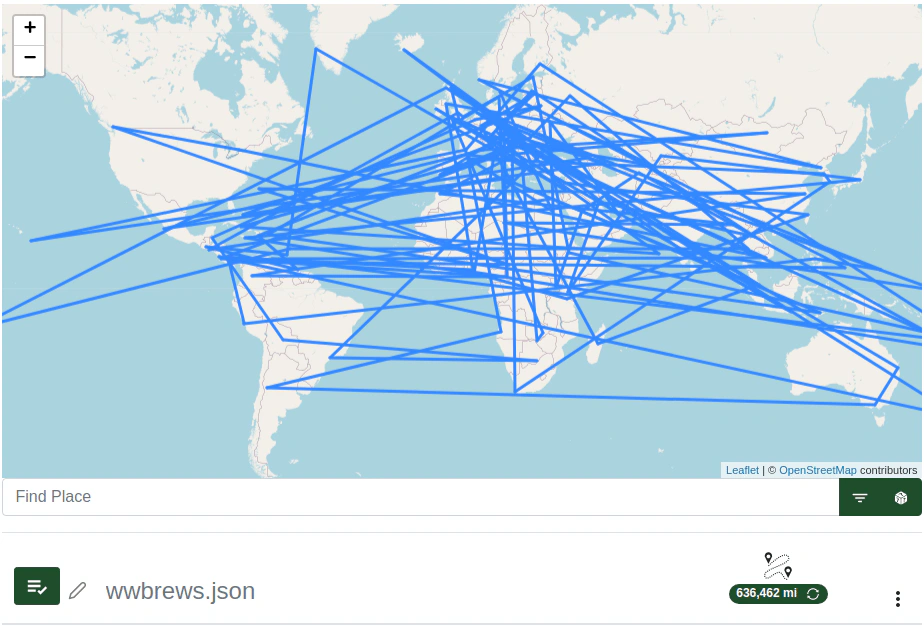
The classic Traveling Salesman problem, built against the requirement to optimize any size trip in under a second — good practice in testing and efficient resource usage.
Outcome & lessons
Iterative design wasn’t new to me, but applying it here demanded more forethought and accountability than my personal projects. Keeping the process consistent all semester built good habits, and it opened my team’s eyes — and mine — to the sum of our incremental progress.
Figures 01